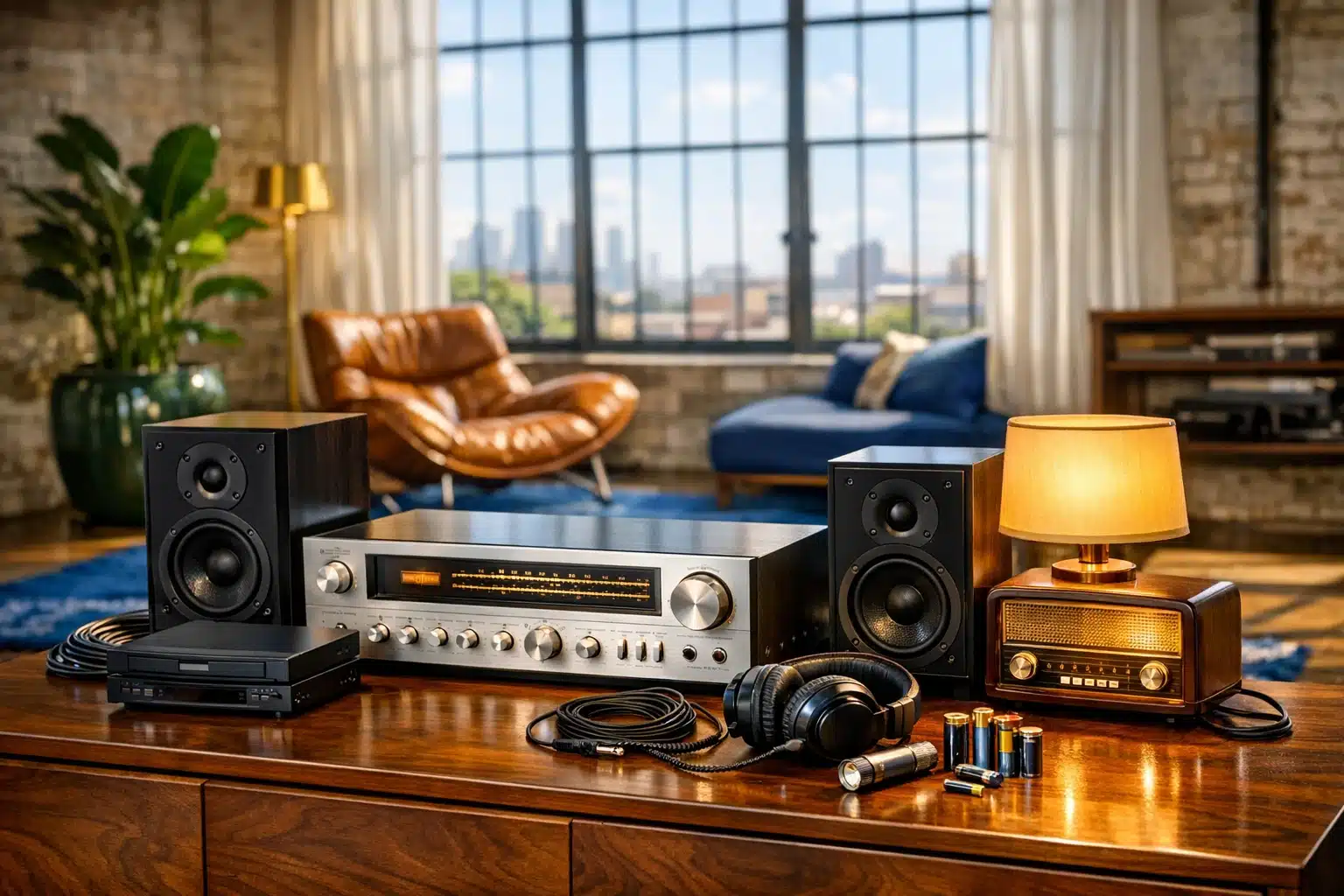
Insider’s Guide to Buying Thrift Store Electronics
Buying electronics from a thrift store can feel like opening a mystery box: one shelf holds forgotten junk, while the next hides a receiver, lamp radio, or monitor with years of useful life left. For students, budget-conscious households, collectors, and repair-curious shoppers, secondhand tech can stretch a small budget and reduce waste at the same time. The real advantage appears when you know how to judge condition, compatibility, and repair cost before paying.
Outline: This article starts with why thrift store electronics deserve a closer look and what kinds of devices are most likely to be worthwhile. It then moves into practical inspection methods, the hidden costs that can turn a deal into a dud, category-by-category buying advice, and the steps that help you clean, set up, and keep your purchase working longer.
Why Thrift Store Electronics Are Worth the Hunt
To some shoppers, the electronics shelf in a thrift store looks like a graveyard of tangled cords and abandoned gadgets. To others, it is a low-cost gateway to home audio, office equipment, retro gaming, and practical household tools. Both views contain some truth. The difference lies in knowing what you are looking at. Unlike buying brand-new electronics, where price often reflects current marketing and features, thrift shopping puts value and condition under a microscope. A twenty-dollar stereo receiver may outperform a flimsy new speaker system that costs twice as much, while a five-dollar printer can quietly demand thirty dollars in ink before it prints a single page.
There are three big reasons thrift store electronics remain relevant. First, they can save money. Many stores price items by appearance rather than technical merit, so a well-made but older device may be marked far below its practical value. Second, they reduce waste. Global e-waste now exceeds 60 million metric tons annually according to widely cited international reports, and extending the life of a working device is one small but meaningful response. Third, older electronics can offer build quality that is harder to find in entry-level products today. Heavier speakers, dedicated buttons, serviceable screws, and standard power connections are not glamorous features, but they often make devices easier to live with and easier to repair.
That said, thrift stores are not magical treasure vaults. Their stock is inconsistent, testing is limited, and accessories are often missing. The best finds usually belong to a few categories:
• Audio gear such as speakers, amplifiers, CD players, and radios
• Computer accessories like monitors, keyboards, mice, and cables
• Small household electronics including lamps, fans, and alarm clocks
• Vintage items with collector appeal, such as cassette decks or retro game accessories
Compared with online marketplaces, thrift stores offer one important advantage: you can physically inspect the item before buying it. You can turn knobs, check ports, smell for smoke damage, and assess whether the plastic feels brittle or solid. Online listings may provide broader selection, but thrift shelves provide immediate reality. There is no shipping surprise, no vague photo hiding a cracked hinge, and no seller describing an item as “untested” with suspicious confidence. The hunt rewards patience, not luck alone. If you learn to recognize durable categories, reasonable prices, and obvious warning signs, thrift store electronics stop being random clutter and start becoming a smart shopping lane with real upside.
How to Inspect Electronics Before You Commit
Inspection is the point where thrift shopping turns from casual browsing into skill. A device does not need to look beautiful to be useful, but it should pass a few basic tests before you spend even a small amount. Start with the body. Cracks near hinges, warped plastic, loose ports, missing battery covers, rust on screws, and signs of liquid exposure all suggest a harder life than the price tag reveals. Dust alone is not a deal breaker. Sticky residue, corrosion, and swollen battery compartments are much more serious. Think of the device as telling a story through its exterior. A few scratches say “used.” A melted plug says “walk away.”
When possible, test power and core functions in the store. Many thrift shops have an outlet available, and if they do not, ask. Even a ten-second power check can save you from taking home a dead unit. For battery-powered items, bring a few common batteries if the store allows testing. For audio devices, a simple pair of wired headphones can help you confirm that channels work and that the output is not distorted. If you thrift often, a tiny kit pays for itself quickly:
• AA and AAA batteries
• A wired earbud or headphone set
• A small flashlight
• A phone charger or cable for common USB devices
• A note on your phone listing model numbers worth checking
Ports and connectors deserve special attention because they determine whether a bargain is truly usable. A monitor with an older video input may still be excellent, but only if you already have the adapter or computer that matches it. A speaker dock built for an outdated connector may be charming, yet impractical for daily use. Open compartments carefully and look for bent pins, damaged springs, or battery leakage. Twist knobs on stereos and radios to hear whether they scratch or cut out. Press buttons more than once. A button that works only when pushed at an angle usually signals internal wear.
Model numbers are your quiet allies. If store policies and signal strength allow it, look up the exact model before you buy. You can often learn whether a device is known for reliability, whether replacement remotes are available, and what accessories should have come with it. This matters because an item can be cheap and still be a poor deal. A ten-dollar universal remote may fix a missing controller problem. A sixty-dollar proprietary power supply can erase any savings. Smart inspection combines common sense, a little curiosity, and a willingness to leave empty-handed. The best thrift buyers are not the people who buy the most. They are the ones who reject weak candidates quickly and save their money for devices that pass simple, repeatable tests.
The Hidden Costs That Can Turn a Bargain Into a Burden
Price tags at thrift stores are often low enough to make risk feel harmless. That is exactly why hidden costs deserve so much attention. The shelf might say twelve dollars, but the real price can include missing cables, replacement batteries, cleaning supplies, adapters, repairs, and time. Sometimes the math still works in your favor. Sometimes it quietly does not. A small stereo with no power cord may seem like a gamble worth taking, until you discover it uses an uncommon adapter that costs more than the unit itself. A digital camera may power on, yet require a discontinued memory card or a special battery charger sold only through secondhand sellers.
Consumables are one of the most common traps. Printers are the classic example. An inexpensive used printer may need new cartridges, a waste-ink reset, software support, and a connection standard your current computer barely recognizes. In many cases, buying a new budget printer can be cheaper than reviving an old one. The same caution applies to cordless phones, electric shavers, label makers, and older vacuum accessories. Before buying, ask one simple question: what will I need to spend after I get this home? If the answer is unknown, the deal is weaker than it looks.
Safety adds another layer. Older electronics can contain frayed cords, overheating power supplies, cracked insulation, or internal components that have aged badly. Vintage audio gear is beloved for good reason, but aging capacitors, scratchy controls, and inconsistent grounding can create real issues. Devices with obvious burn marks, smoky odor, or a history of water exposure should be skipped unless you are specifically buying them for parts and know how to handle repairs. Warning signs include:
• A hot electrical smell even before extended use
• Corrosion in battery compartments
• Exposed copper or taped-over cord damage
• Missing screws suggesting prior amateur repair
• Buzzing, flickering, or unstable power during a basic test
Return policies matter here more than shoppers often realize. Some thrift stores allow exchanges within a short window, while others treat electronics as final sale. That policy changes how much risk is reasonable. A five-dollar radio with a seven-day return period may be a fun experiment. A fifty-dollar receiver sold as-is deserves a much higher standard of inspection. Also consider software and compatibility age. An older webcam or scanner may be physically fine but unsupported on modern operating systems. In those cases, the obstacle is not condition but relevance. Wise thrift buying is not about chasing the lowest sticker price. It is about estimating the total cost of ownership and deciding whether the item will become useful, collectible, repairable, or simply another object you meant to fix someday.
Best Categories to Buy and Categories That Need Extra Caution
Not every device ages the same way. That is the central rule of thrift store electronics. Some categories remain useful for years with minimal drama, while others become complicated the moment they leave the shelf. Audio equipment is often one of the strongest bets. Bookshelf speakers, stereo receivers, CD players, radios, and even older wired headphones can deliver excellent value if they pass basic testing. Passive speakers are especially appealing because they are simple, durable, and not tied to fast-changing software. A speaker from years ago may still sound rich and balanced today, while a cheap new Bluetooth unit can feel disposable in comparison.
Monitors and computer accessories can also be worthwhile, but only with compatibility in mind. A used keyboard, mouse, USB hub, or basic monitor may be a very practical purchase for a home office or student setup. Check screen condition carefully for dead pixels, pressure marks, or dim backlighting. If the monitor uses older connections, confirm that you already own the right adapter. External speakers, webcams, and wired microphones sometimes offer strong value too, though driver support is worth checking for older models. Surge protectors are usually not a smart thrift buy unless they are clearly modern and in excellent condition, because their protective components can degrade over time.
Some categories require more skepticism. Printers, routers, smart home devices, and battery-dependent gadgets often cause the most disappointment. Routers may be outdated on security standards. Smart speakers and streaming devices may have limited support or old software. Rechargeable tools and handheld electronics can hide worn-out batteries that fail after a few minutes of use. Digital cameras occupy the middle ground. Older compact cameras may be fun and capable, especially for hobbyists, but they often rely on proprietary batteries, rare cables, or expensive memory formats.
If you want a quick field guide, think in terms of durability versus dependence:
• Better bets: wired speakers, receivers, lamps, alarm clocks, keyboards, mice, calculators, fans, simple radios
• Mixed bets: monitors, DVD or Blu-ray players, digital cameras, game accessories, desk phones
• Caution zones: printers, routers, smart home gadgets, heavily battery-dependent devices, items missing proprietary chargers
The most successful thrift buyers often specialize. One person learns audio equipment, another focuses on retro computing, and someone else knows how to spot quality office gear in seconds. Specialization helps because it turns vague curiosity into useful judgment. Instead of asking, “Is this cheap?” you begin asking, “Is this model known to last, easy to power, simple to clean, and realistic to use in 2026?” That shift is where good thrift shopping becomes repeatable rather than accidental. A little category knowledge can prevent a shelf full of almost-useful bargains from following you home.
After You Buy: Cleaning, Setup, and Making a Good Find Last
Bringing thrifted electronics home is not the end of the process; it is the moment the real relationship begins. Start with cleaning before extended use. Unplug everything, remove batteries when possible, and wipe exterior surfaces with a soft cloth lightly dampened for the material involved. Compressed air can help with vents and keyboards, but use it gently so you do not force dust deeper inside. For battery compartments, a small amount of corrosion may sometimes be cleaned carefully, though heavy leakage is usually a sign the device should never have been bought in the first place. If the item carries a strong smoke or mildew odor, be realistic about whether deep cleaning is worth the effort.
Safety checks come next. Inspect cords again in good lighting. Do not trust a cable simply because the device powered on in the store. Look for hot spots during early use, listen for unusual buzzing, and avoid leaving older electronics running unattended until you understand how they behave. Power-hungry gear benefits from a quality surge protector, and anything vintage should be used with extra caution if it shows erratic behavior. If the device stores data, such as a computer, camera, or media player, reset it and update any supported software. Secondhand electronics are not just physical objects; they can also carry old accounts, network settings, or personal files.
At this stage, a few smart habits can stretch the value of your purchase:
• Label or bag loose accessories right away
• Download manuals from the manufacturer or a reputable archive
• Test every feature within the store’s return window
• Replace old disposable batteries before they leak
• Keep notes on what you paid, what you replaced, and whether the item proved worthwhile
There is also a mindset shift that separates occasional luck from lasting success. Treat thrifted electronics as a portfolio of small experiments. Some will become daily tools, some will be learning projects, and some will teach you what not to buy again. That is normal. A modest stereo that fills your kitchen with music every morning may end up being the most satisfying purchase of the month, not because it was rare, but because it was useful. A monitor that cost little but serves a student desk for two years is a quiet victory. In a retail world built on upgrades and impulse, thrift shopping invites a slower kind of satisfaction: evaluate carefully, buy selectively, maintain thoughtfully, and enjoy the win when an overlooked object proves it still has work left to do.
Conclusion for Thrift Tech Shoppers
If you are the kind of buyer who enjoys stretching a budget, reducing waste, or finding tools with more character than the average big-box purchase, thrift store electronics can be well worth your time. The key is not optimism alone, but method: inspect carefully, understand the total cost, know which categories age well, and test everything as soon as you get home. You do not need expert repair skills to shop wisely, but you do need patience and a willingness to skip weak deals. With that approach, the electronics aisle stops being a pile of maybes and starts becoming a place where practical, affordable, and occasionally memorable finds are still possible.